

Download Video Grabber – free video downloader, fast, secure
Overview
Video Grabber is a free, lightweight application designed for video lovers who want to keep their favorite clips offline for later viewing. The tool acts as a vertical search engine that aggregates video results from dozens of streaming sites worldwide, presenting users with a single, easy‑to‑navigate list of downloadable files. Unlike many ad‑filled alternatives, Video Grabber promises a clean interface, instant search results, and one‑click downloads that work on Windows, macOS, Android, and iOS.
While the software limits most videos to under twenty minutes—a safeguard against large‑file bandwidth abuse—it still covers a huge range of content, from music videos and short documentaries to tutorial snippets and viral memes. The program’s core mission is to give users a reliable, secure method to grab videos without the need for browser extensions or complicated command‑line tools. Whether you are a frequent traveler without reliable Wi‑Fi, a teacher collecting short educational clips, or simply someone who enjoys building a personal media library, Video Grabber offers a fast, no‑cost solution that stands out among rivals like Snaptube and Tubemate.
Key Features & How It Works
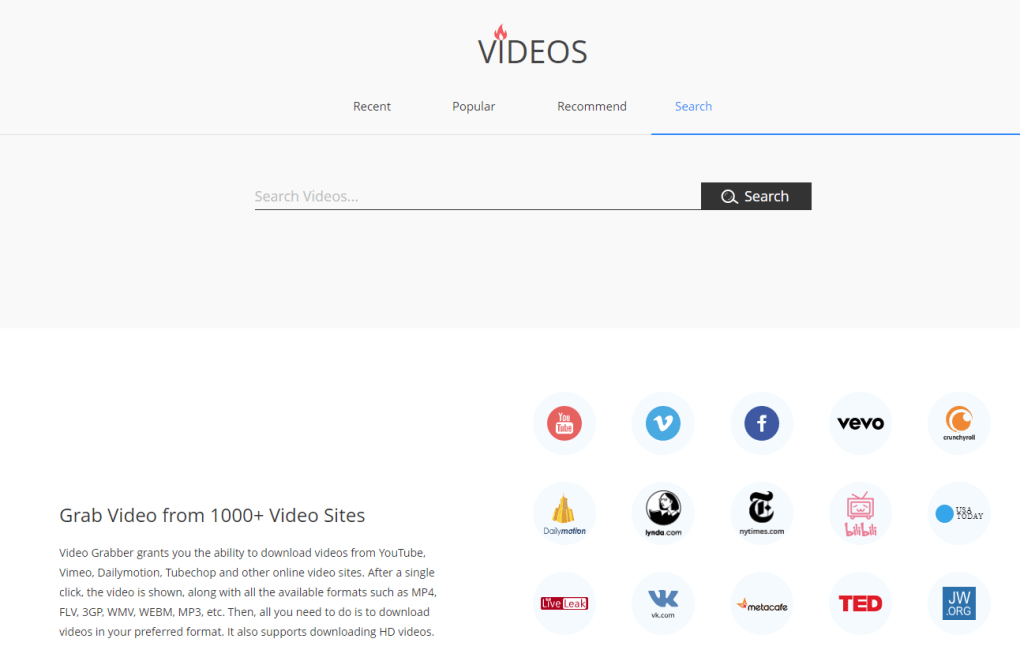
- Universal video search engine: Type any keyword or exact title, and Video Grabber scans over 50 popular video platforms to return instant download options.
- One‑click download: Once the desired clip appears, a single click starts the download, saving the file in MP4 format with optimal compression.
- Built‑in video preview: Before downloading, users can preview the first few seconds to confirm they have selected the right video.
- Batch downloading: Select multiple videos from the search results and download them simultaneously, saving time on large playlists.
- Auto‑rename & organize: Files are automatically named using the video title, upload date, and resolution for easy library management.
- Cross‑platform support: Native installers are available for Windows 10/11, macOS 10.13+, Android 6.0+, and iOS 13+.
- Secure download channel: All connections are encrypted via HTTPS, reducing the risk of man‑in‑the‑middle attacks.
- Lightweight footprint: The installer is under 30 MB, and the application uses less than 100 MB of RAM during operation.
- Automatic updates: The software checks for the latest version on launch and prompts users to update without leaving the interface.
- Ad‑free experience (premium optional): While the free version includes non‑intrusive sponsor banners, a one‑time $4.99 upgrade removes all ads permanently.
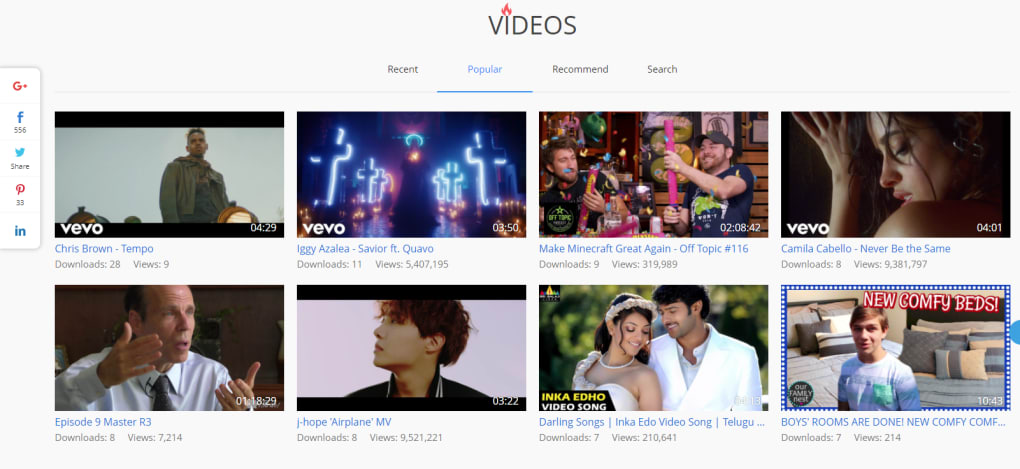
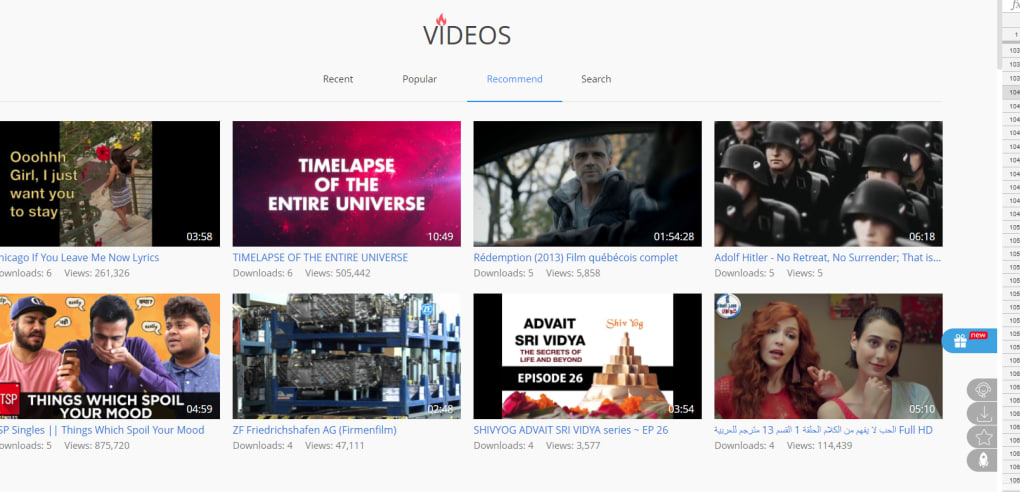
The workflow is intentionally straightforward: after launching the app, you enter a search term into the central bar. Video Grabber then queries its distributed index, aggregates the results, and displays thumbnails with key metadata such as duration, resolution, and source site. Users can filter results by length (e.g., under 5 minutes) or by platform (e.g., YouTube, Vimeo).
Once a video is selected, the download manager appears at the bottom of the screen, showing progress, speed, and an estimated completion time. The tool also supports subtitle download when available, embedding them directly into the MP4 file. Because the program pulls videos from public URLs, it respects most platforms’ terms of service, but users should always verify that they have the right to download the content for personal use.
Installation, Usage & Compatibility
Step‑by‑step installation
1. Download the installer: Visit the official Video Grabber website and click the “Download for Windows”, “Download for macOS”, “Download for Android”, or “Download for iOS” button, depending on your device. The file is signed with a valid code‑signing certificate, ensuring authenticity.
2. Run the installer: On Windows, double‑click the .exe file and follow the on‑screen wizard. macOS users open the .dmg, drag the app to the Applications folder, and confirm any security prompts. Android users tap the .apk (after enabling “Install unknown apps”), while iOS users download directly from the App Store.
3. Initial setup: The first launch triggers a quick configuration wizard that asks for default download folder, preferred video resolution, and whether to enable automatic updates. All settings are stored locally, so no online account is required.
Using Video Grabber effectively
After installation, the main window presents a clean search bar at the top, a filter panel on the left, and a results grid in the centre. To download a video, simply type the title or keywords, press Enter, and wait for the results. Hover over a thumbnail to view a 5‑second preview; click the green “Download” button to start the process. The download queue appears at the bottom, where you can pause, resume, or cancel any item. Completed files are stored in the folder you selected during setup, and the app adds a shortcut to your system’s “Recent Files” for quick access.
Compatibility (itemprop="operatingSystem"): Video Grabber runs on the following operating systems:
- Windows 10, Windows 11 (64‑bit)
- macOS 10.13 High Sierra and later (Intel & Apple Silicon)
- Android 6.0 Marshmallow and later (ARM and x86)
- iOS 13 and later (iPhone & iPad)
The software is built with a cross‑platform framework that ensures consistent performance across all devices. On mobile, the UI adapts to portrait and landscape modes, while desktop versions support high‑DPI displays and multiple monitors. Minimum system requirements are modest: 2 GB RAM, 200 MB free disk space, and an internet connection for searching and downloading. For users who need to process many short clips daily, a broadband connection (≥10 Mbps) is recommended to keep download times low.
Pros & Cons + Frequently Asked Questions
Pros
- Free to use with optional low‑cost ad‑removal upgrade.
- Fast, one‑click downloads without needing browser extensions.
- Supports Windows, macOS, Android, and iOS – true cross‑platform coverage.
- Secure HTTPS connections protect against interception.
- Built‑in preview and batch download features save time.
- Lightweight installer and low RAM usage.
- Automatic update mechanism keeps the app current.
Cons
- Video length limited to under 20 minutes in the free version.
- Some niche platforms may not be indexed, limiting search breadth.
- Free version displays non‑intrusive sponsor banners.
- Occasional false‑positive results where a video is blocked or encrypted.
- No built‑in video editor – users must rely on external tools for trimming.
FAQ (itemscope itemtype="https://schema.org/FAQPage")
Is Video Grabber legal to use?
Video Grabber only downloads publicly available video streams. While the software itself is legal, users must respect the terms of service of each source site and only download content for personal, non‑commercial use unless they have explicit permission.
Can I download videos longer than 20 minutes?
The free version imposes a 20‑minute limit to reduce bandwidth abuse. Upgrading to the premium version removes this restriction, allowing downloads of any length supported by the source site.
Is there a risk of malware when using Video Grabber?
Video Grabber connects via HTTPS and does not bundle third‑party executables. However, some video hosts may embed malicious code in their streams. The app includes a basic integrity check, but we recommend scanning downloaded files with an up‑to‑date antivirus program.
Does Video Grabber support subtitles?
Yes, when subtitles are available on the source platform, Video Grabber can download and embed them directly into the MP4 file, ensuring synchronized playback on any device.
How do I update Video Grabber?
The application checks for updates each time it launches. If a newer version is found, a pop‑up prompts you to download and install the update automatically. You can also manually check for updates via the Settings menu.
Overall Rating: 4.3/5
Video Grabber delivers a solid blend of speed, simplicity, and cross‑platform reach. Its free tier is generous for casual users, and the optional upgrade removes most of the remaining limitations. While the 20‑minute cap can be a hurdle for long‑form content, the app’s secure download pipeline and lightweight design make it a trustworthy choice for anyone looking to build a personal video library without fuss.
Conclusion & Call to Action
In a crowded market of video‑downloading utilities, Video Grabber distinguishes itself through a clean, ad‑light interface, robust cross‑platform support, and a secure, encrypted download process. Whether you’re on a Windows PC, a MacBook, an Android phone, or an iPad, the tool offers a consistent experience that lets you search, preview, and download short videos in just a few clicks. The free version covers most everyday needs, and the modest one‑time upgrade removes length restrictions and ads for power users.
If you’re ready to start building an offline video collection, download Video Grabber now. The installer is tiny, the setup is painless, and you’ll have instant access to a world of short‑form content that can be enjoyed without an internet connection. Remember to keep the app updated to benefit from the latest security patches and platform improvements.
Happy downloading!



.png)



